TWO INDEPENDENT WORKSPACES

One industry.
Two ways to move work forward.

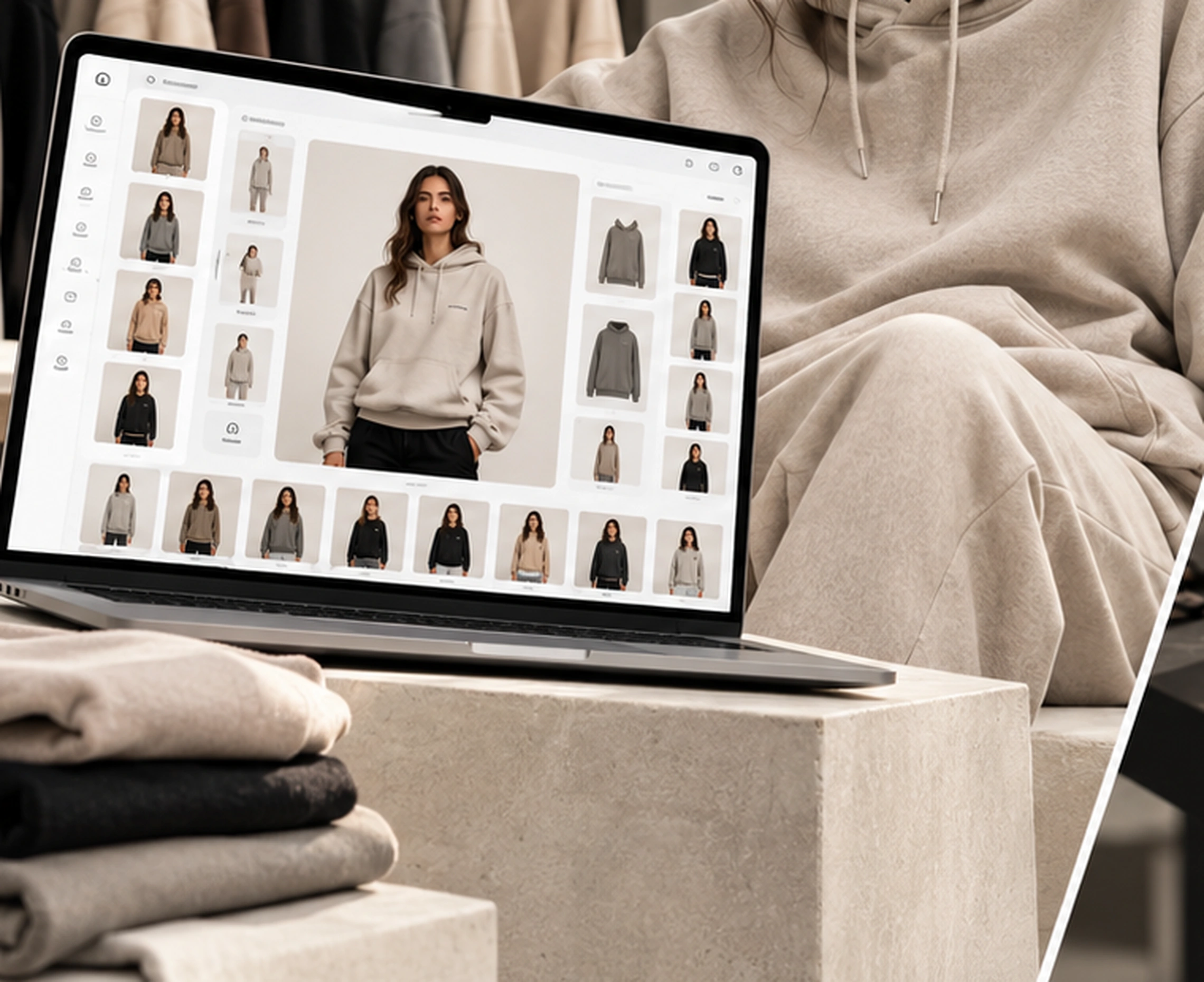
Creative Studio helps fashion brands prepare garment imagery. Print House helps printers and production teams organise customer jobs. Choose either workspace for the work in front of you.

Illustrative Creative Studio garment imagery workspaceCREATIVE STUDIOIllustrative preview
FOR FASHION AND CLOTHING BRANDS

Create the imagery for your collection.

Build clear garment and model previews, keep creative assets together and prepare image sets for your store or campaign.

  1. 01
    Choose a garment

    Start with an exact supplier garment photograph or upload your own front, back and side views.

  2. 02
    Add and position artwork

    Place each artwork layer, set its size and check the result on the available garment views.

  3. 03
    Save a mockup variation

    Keep the selected garment, colour, artwork and placement together for review or export.

  4. 04
    Continue in Model Studio

    Choose a reusable model profile and reference view with the saved mockup carried forward.

  5. 05
    Review the output

    Export the available mockup preview. Generated model imagery remains a planned capability.
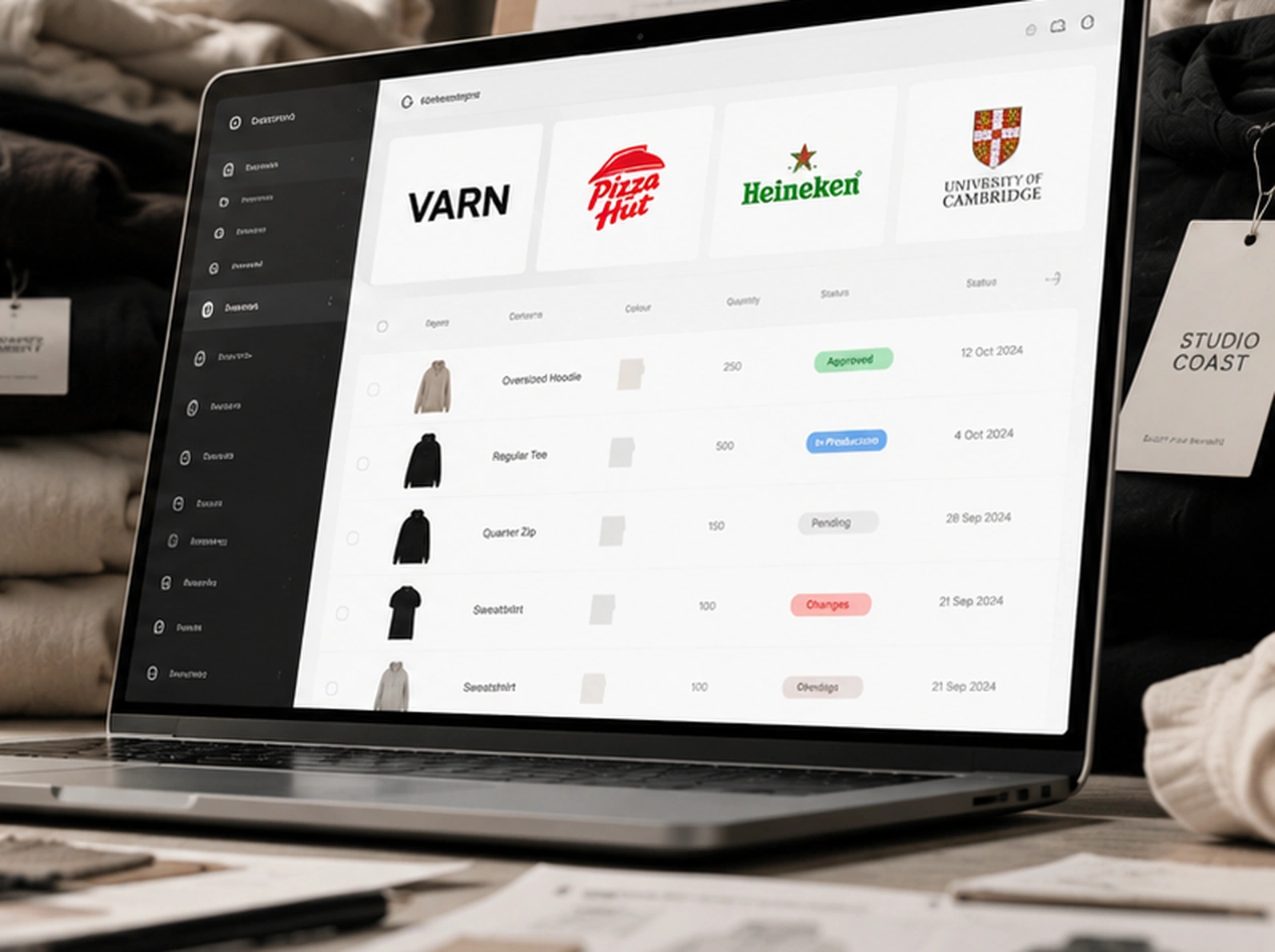
Illustrative Print House customer and production workspacePRINT HOUSEIllustrative preview
FOR PRINTERS AND PRODUCTION TEAMS

Keep each customer job clear.

Bring each client brand, garment line, artwork version, quote and approval into a job record that the production team can review.

  1. 01
    Sign in to the right workspace

    Your authorised account opens the Print House or customer view for your role. The public dashboard is an example preview.

  2. 02
    Select a brand and job

    Keep each client's brief and job record separate from other customers.

  3. 03
    Choose the garment

    Use a recorded supplier style or a customer-supplied garment. Confirm live stock and account prices with the supplier.

  4. 04
    Prepare artwork and quantities

    Record decoration, artwork position and the exact colour and size quantities for each line.

  5. 05
    Review quote and proof

    Confirm commercial terms and the exact proof revision before approving production.

  6. 06
    Produce and dispatch

    Keep approved decisions with the job as it moves through production and delivery.

  7. 07
    Return to the job history

    Use saved artwork and approved details when that customer returns.